HSI Studio Documentation
HSI Studio opens hyperspectral datacubes, lets you explore and annotate them, and trains models on them. This is the manual.
If you've never worked with hyperspectral data before, start with What is hyperspectral imaging? — it explains how a hyperspectral image differs from an ordinary photo and what it's used for. Otherwise, jump to Getting Started.
Web or desktop
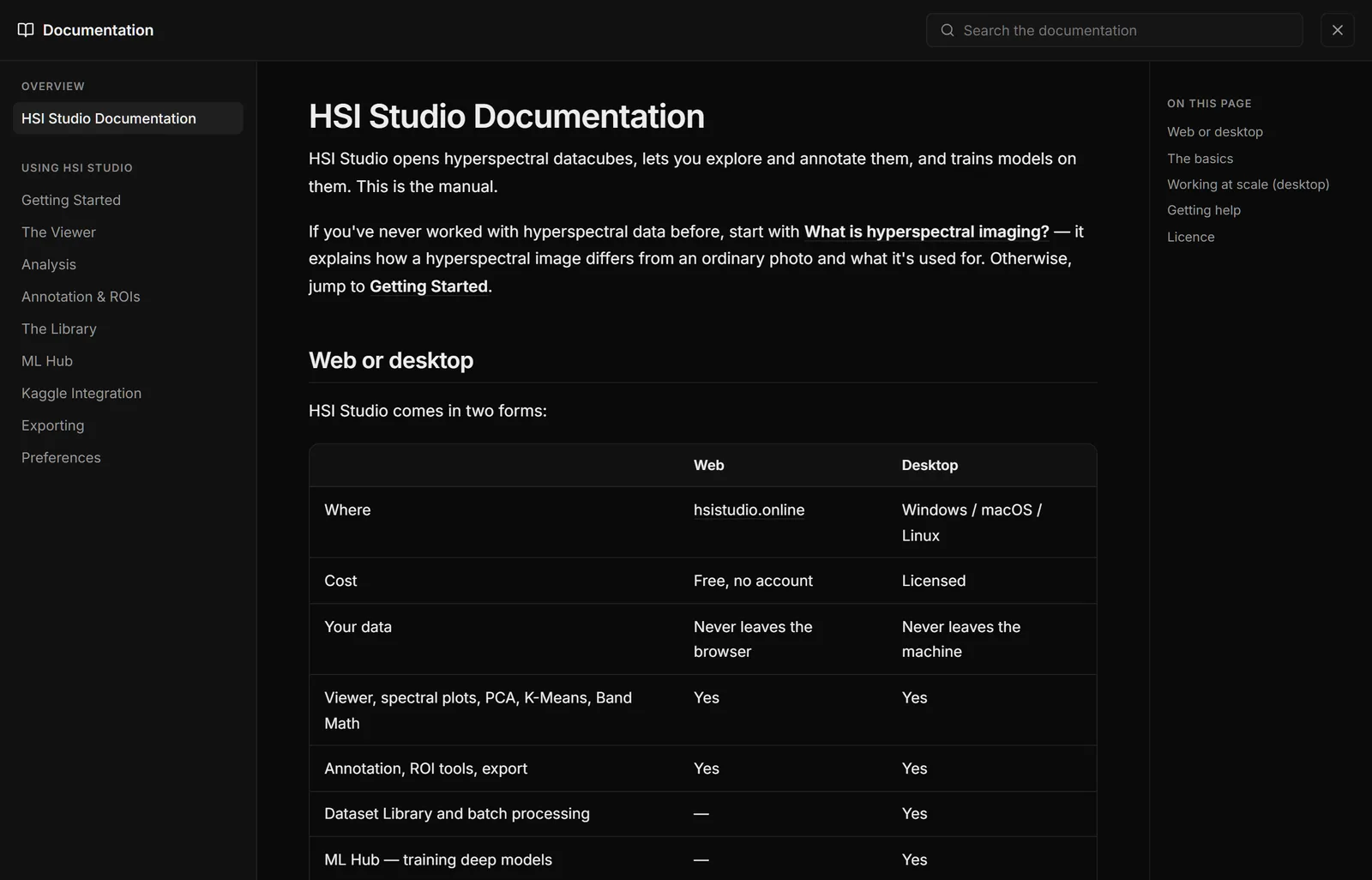
HSI Studio comes in two forms:
| Web | Desktop | |
|---|---|---|
| Where | hsistudio.online | Windows / macOS / Linux |
| Cost | Free, no account | Licensed |
| Your data | Never leaves the browser | Never leaves the machine |
| Viewer, spectral plots, PCA, K-Means, Band Math | Yes | Yes |
| Annotation, ROI tools, export | Yes | Yes |
| Dataset Library and batch processing | — | Yes |
| ML Hub — training deep models | — | Yes |
| Kaggle sync and remote GPU training | — | Yes |
| Opens files from disk in place | — | Yes |
Both do all their work locally. Your datacubes are never uploaded to an HSI Studio server — the web version runs entirely inside your browser, and the desktop version on your own machine. The only exception is a Kaggle training run, which you start deliberately and which sends the dataset to your own Kaggle account.
Pages marked desktop below cover features the browser version doesn't have.
The basics
- Getting Started — installing, the file formats HSI Studio reads, and loading your first datacube
- The Viewer — moving through bands, RGB and false-colour composites, colormaps, contrast, and every keyboard shortcut
- Analysis — reading spectral signatures, PCA, K-Means clustering, Band Math and vegetation indices
- Annotation & ROIs — the brush, the magic wand, classes, background removal, cropping and regions of interest
- Exporting — every output format and what's inside it
- Preferences — defaults and settings
Working at scale (desktop)
- The Library — importing a folder as a dataset and running operations across all of it at once
- ML Hub — training a model on your own data
- Kaggle Integration — using free cloud GPUs when your machine doesn't have one
Getting help
The documentation is available three ways, all identical:
- Online at hsistudio.online/documentation
- Inside the app — Help → Documentation, or press F1
- On the landing page, under Looking for the manual?
Licence
HSI Studio is released under the PolyForm Noncommercial License 1.0.0. You may use it for personal, research, educational and nonprofit purposes. Commercial use is not permitted.