Preferences
Edit → Preferences (Ctrl/Cmd+,). Preferences persist across sessions.
Viewer defaults
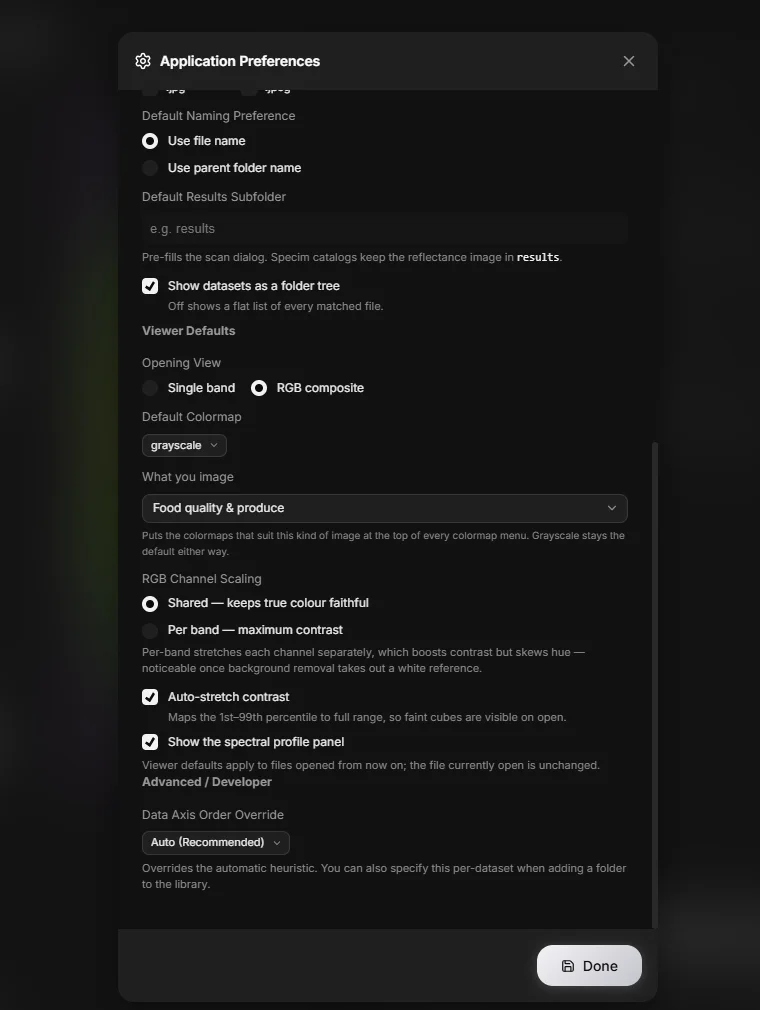
These decide the state a newly opened cube starts in:
| Preference | Default | Options |
|---|---|---|
| Default view mode | Single band | Single band, RGB composite |
| Default colormap | Grayscale | Any of the twelve colormaps |
| Default auto stretch | On | On, off |
| Default RGB stretch mode | Shared | Shared, per band |
| Show spectral plot by default | On | On, off |
| Imaging domain | General | Tunes defaults and terminology to your field |
Dataset scanning
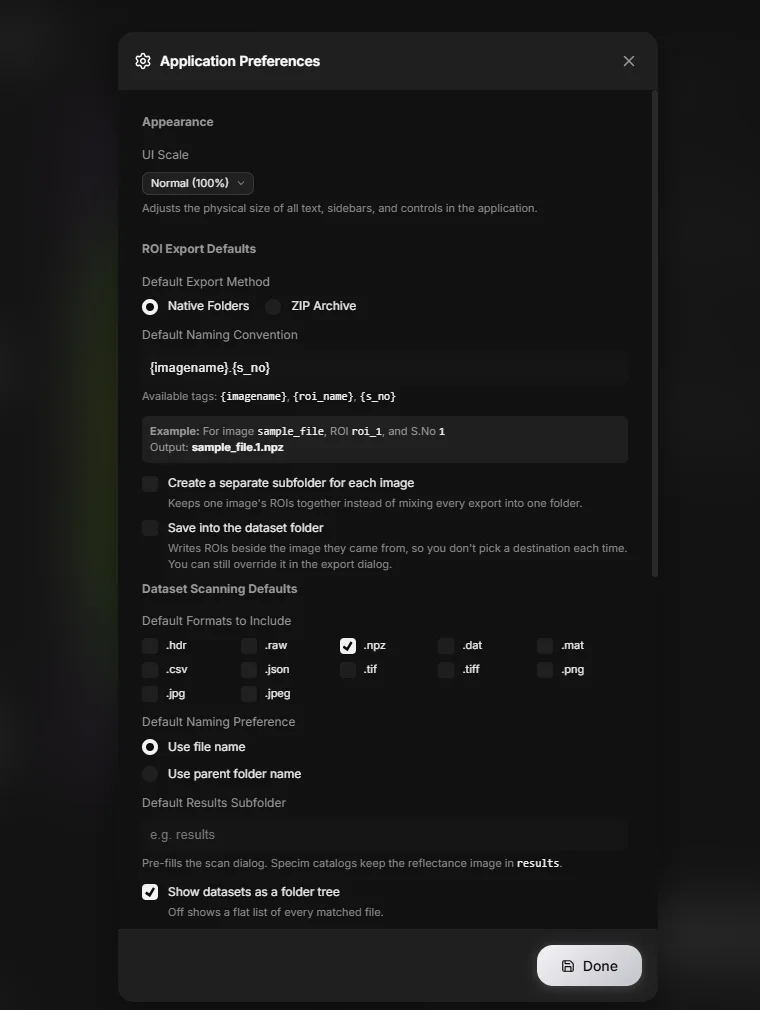
Applied when importing a folder into the Library:
| Preference | Notes |
|---|---|
| Scan formats | Which extensions to collect. ENVI binaries are always collected regardless |
| Naming | Name entries by filename or by parent folder |
| Results folder | A subfolder name to treat as output, not input |
| Tree view | Show the folder hierarchy rather than a flat list |
ROI export
| Preference | Default |
|---|---|
| Export type | Folder (or zip) |
| Naming convention | {imagename}_{roi_name} |
| Create subfolder | On |
| Save to source folder | Off |
Interface
UI scale (default 100%) scales the entire interface. Useful on high-DPI displays where the default is too small, or when presenting.
Advanced / Developer
Data Axis Order Override (default: auto) forces how a cube's dimension order is interpreted — BHW, HWB, or HBW — for files whose metadata is wrong or missing. Leave it on auto unless a cube loads transposed, with the image looking stretched, sheared, or scrambled into stripes.
API keys
A Semantic Scholar key can be supplied to raise the rate limit on the ML Hub's paper search. Without one, search still works at a lower rate.